Where to find your Snoocin Serre Chevalier.
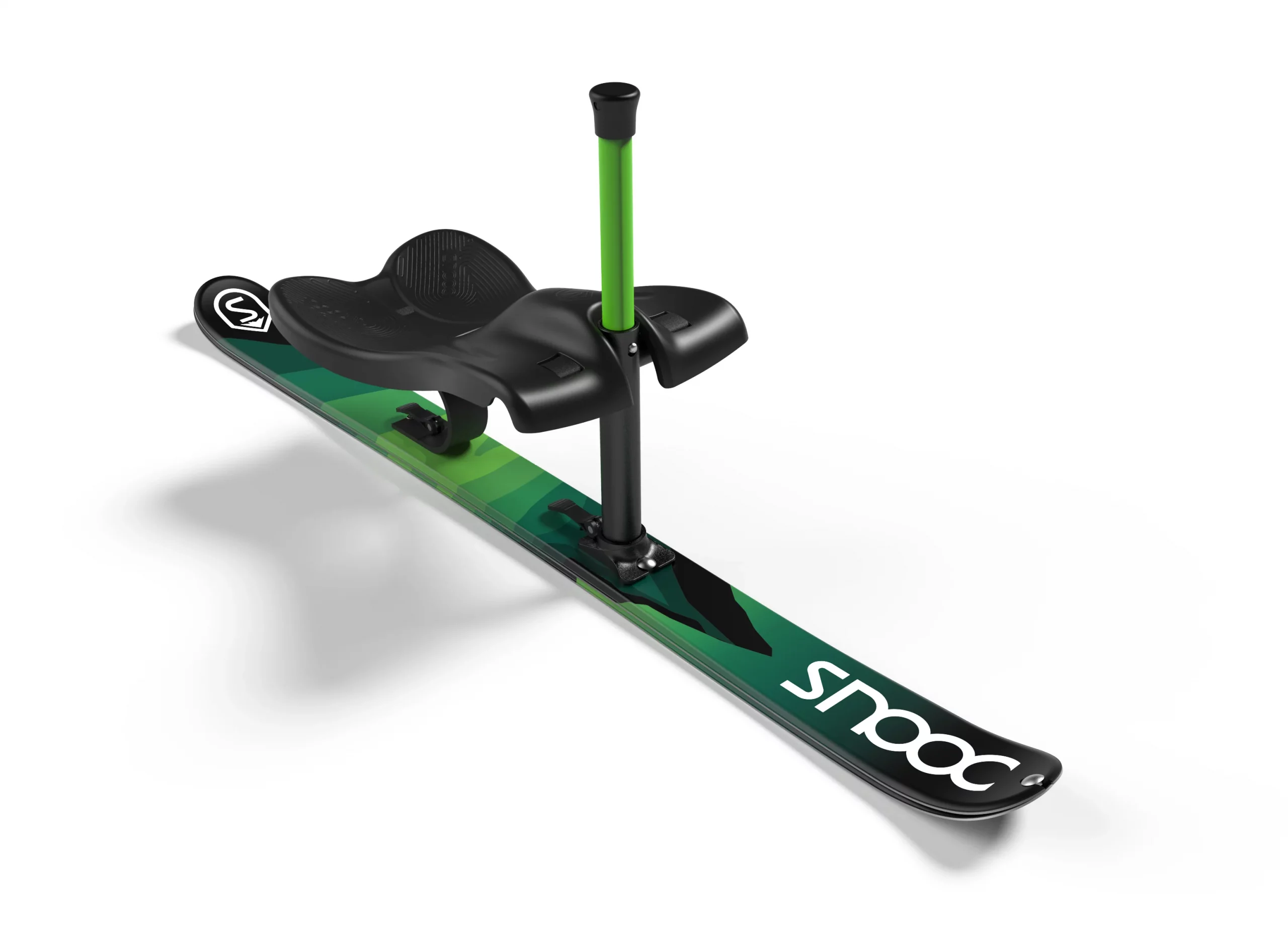
How to rent a Snooc
Download the Snooc Go app
Use the Snooc Go app to automatically unlock a Snooc from a SNOOCLib’ station at partner resorts.
On iPhone, iPad and AndroidSign up
Create your account in the app in seconds:
- Make sure you select the resort Serre Chevalier
- Enter your phone number
- Confirm the code you receive
- Enable location access
- Add your payment method
Scan the QR code
Once you scan the QR code, the Snooc unlocks automatically: it’s yours! Time to enjoy it.
- You must scan the learning QR code.
- You must check which green slopes are suitable for a comfortable start.
Book your rental
Large-group rental (minimum 6 people)
- You already know you love it.
- You don’t want to risk arriving at an empty Snooc rack.
Here are your options.
Helmet included in the rental and equipment delivered to the starting area. From 6 people.
- Half day3 hours on the snow25 €
- Full dayAll day35 €